
Ultimate Guide to Cloud Backup Services for Businesses

Ultimate Guide to Best Cloud Backup Services for Businesses: Secure Data Protection and Recovery
In an era where data breaches and catastrophic losses are prevalent, understanding cloud backup services is crucial for businesses looking to safeguard their data. This guide provides an in-depth analysis of the best cloud backup solutions tailored specifically for small and medium businesses (SMBs). Readers will learn not only how these services work, but also the unique benefits they provide in a secure and scalable manner. As organizations face increasing risks from cyber threats and operational disruptions, having a robust cloud backup solution becomes a necessity rather than a choice. Topics such as types of cloud backup solutions, how they mitigate risks, and cost considerations will help you make informed decisions for your business. Furthermore, we will explore the advantages of selecting local providers in the Dallas Fort Worth region, showcasing the distinct benefits of localized managed IT services.
One of the popular technologies in the industry today is cloud computing and the use of cloud computing in small businesses is now fashionable, it has a remarkable impact on them by bringing a new way of working, accessing their data and storing it.
Cloud Computing Benefits for Small Business Data Recovery
One of the popular technologies in the industry today is cloud computing and the use of cloud computing in small businesses is now fashionable, it has a remarkable impact on them by bringing a new way of working, accessing their data and storing it. The aim of the study is to examine the impacts and effects of migration to cloud computing on small businesses. The methodology used for this study is based on a review of past studies, which explains in broad terms each research question of this study. The results of this study shows that there are several benefits that cloud computing has to offer small businesses if cloud computing is adopted and that includes flexibility, cost reduction and automatic software/hardware upgrades etc. Cloud computing has a large storage capacity that helps small businesses store and access large amounts of data quickly and easily, and there are a number of cloud computing data recovery techniques that help to recover lost or damaged data in the clo
Adaptation and effects of cloud computing on small businesses, D Karagozlu, 2021
What Are the Best Cloud Backup Solutions for Small and Medium Businesses?
Cloud backup solutions are designed to protect your organization’s data by securely storing it on remote servers. This approach not only safeguards against data loss but also ensures easy access for recovery purposes. For small and medium businesses specifically, several leading providers offer tailored solutions that encompass a variety of features such as automated backups, data encryption, and compliance with regulatory standards.
One notable provider is Tech Support 4 Business, which specializes in managed IT services tailored for small to medium businesses in the Dallas Fort Worth region. They provide a range of cloud solutions, including robust cloud backup services aimed at ensuring data integrity and ease of recovery.
Which Types of Cloud Backup Services Suit Different Business Needs?
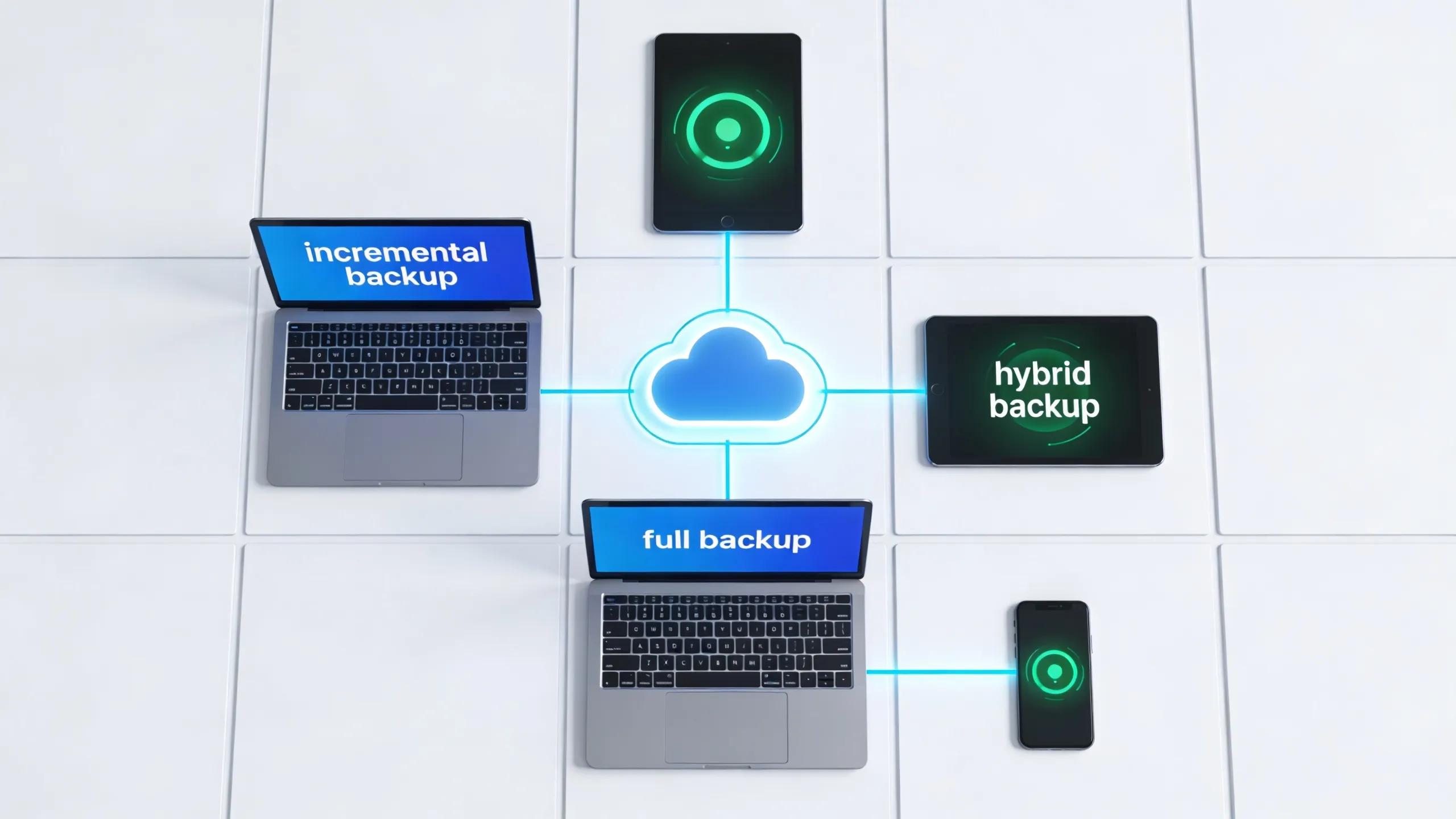
Several types of cloud backup services cater to different business requirements, including:
- Incremental Backups: These backups only save changes made since the last backup, minimizing storage requirements and reducing backup times.
- Full Backups: This method copies all data from the source system to the cloud, providing a comprehensive snapshot at a given point.
- Hybrid Solutions: These combine local backups with cloud storage, allowing for faster access and redundancy in case of service disruptions.
Understanding these options enables businesses to select a service that aligns with their operational needs and budget considerations.
How Does Cloud Backup Protect Business Data from Loss and Cyber Threats?
The protection mechanisms cloud backup services employ are integral to safeguarding business data. By leveraging redundancy and secure storage practices, these services help mitigate risks associated with data loss due to hardware failures, cyber-attacks, or natural disasters.
What Role Does Data Encryption Play in Cloud Backup Security?
Data encryption plays a crucial role in securing sensitive information during transmission and storage. Utilizing robust encryption methods ensures that data remains inaccessible to unauthorized users, fortifying the overall integrity of the backup process. Additionally, encryption supports compliance with data protection regulations, making it essential for businesses handling sensitive information.
How Do Cloud Backup Services Mitigate Ransomware and Disaster Recovery Risks?
Cloud backup services adopt various strategies to combat ransomware and enhance disaster recovery efforts. These measures often include:
- Automated Backups: Scheduled backups minimize the risk of data loss by ensuring that the latest information is always saved.
- Threat Isolation: Solutions may provide isolation features that limit access after detecting suspicious activities.
- Incident Response Planning: Preparing businesses for quick action with effective recovery plans enables swift restoration of operations after an attack.
Tech Support 4 Business exemplifies such proactive measures, assisting SMBs in the Dallas Fort Worth area to effectively manage their data security protocols and recovery processes.
What Are the Costs and Pricing Models for Cloud Backup Services in Business?
Understanding the costs associated with cloud backup services can help businesses budget effectively and select the right provider. Services usually employ multiple pricing models, catering to the diverse needs of organizations.
Which Cloud Backup Pricing Structures Fit Small Business Budgets?
Common pricing structures that may fit small business budgets include:
- Per User Pricing: Businesses are charged based on the number of users enrolled in the service, which can be cost-effective for smaller teams.
- Per Device Pricing: Each device requiring backup is charged separately, allowing flexibility depending on the organization size.
- Flat Rate Options: Some service providers offer all-inclusive plans that cover multiple devices or user accounts for a single monthly fee.
How Does Cost Transparency Impact Choosing a Cloud Backup Provider?
Cost transparency plays a critical role in the decision-making process when selecting a cloud backup provider. Clear pricing models reduce the risk of hidden fees and unexpected charges, promoting confidence in the service. Additionally, understanding what each pricing structure covers helps businesses align their options with their actual needs and budget availability.
This comparison of pricing structures illustrates how various models cater to the distinct needs of small businesses, allowing them to select the best fit for their operational requirements.
Why Choose Local Managed Cloud Backup Services in Dallas Fort Worth?

Selecting a local managed cloud backup service can provide numerous advantages, especially for SMBs in the Dallas Fort Worth area. Local providers often understand the unique challenges faced by regional businesses and can offer tailored solutions that address these specific needs.
What Are the Advantages of Localized IT Support for Cloud Backup?
Localized IT support comes with distinct benefits, including:
- Rapid Response Times: Local service providers can quickly address issues or concerns, ensuring minimal operational disruptions.
- Relevant Local Expertise: Understanding the local business landscape allows providers to offer solutions that resonate with community-specific requirements.
- Flexibility: Local providers are often more adaptable to the unique requests of their clients, allowing a more customized approach to services.
By choosing a company like Tech Support 4 Business, SMBs within the region can enjoy these tailored IT solutions that enhance their overall data protection and operational efficiency.
How Have Dallas Fort Worth SMBs Benefited from Cloud Backup Case Studies?
Numerous small and medium businesses in the Dallas Fort Worth region have successfully implemented cloud backup solutions, leading to measurable improvements in data security and recovery times. For instance, many have experienced:
- Increased Data Availability: Quick access to data backups allows for uninterrupted business operations.
- Enhanced Security Posture: Improved safeguarding against cyber threats and data breaches.
- Operational Resilience: Robust backup solutions ensure business continuity in case of disasters or technological failures.
These case studies highlight the effectiveness of local managed cloud backup solutions in meeting the challenges faced by SMBs today. By adapting to the specific requirements of businesses in the region, local providers can deliver exceptional service that not only meets expectations but also fosters long-lasting partnerships.